Upload files with SFTP
Move files to your app safely, using an SSH key.
ServerNest is in development. This guide describes the current preview, and details may change.
SFTP uses SSH keys, not passwords.
- If you don't have a key, run
ssh-keygen -t ed25519on your computer. - Open your app's file access page and add the contents of the file ending in
.pub. Never paste the file without.pub: that is your private key. - Connect with any SFTP program, using the host, port and username shown on the page.
- The first time you connect, check that the fingerprint matches the one on the page.
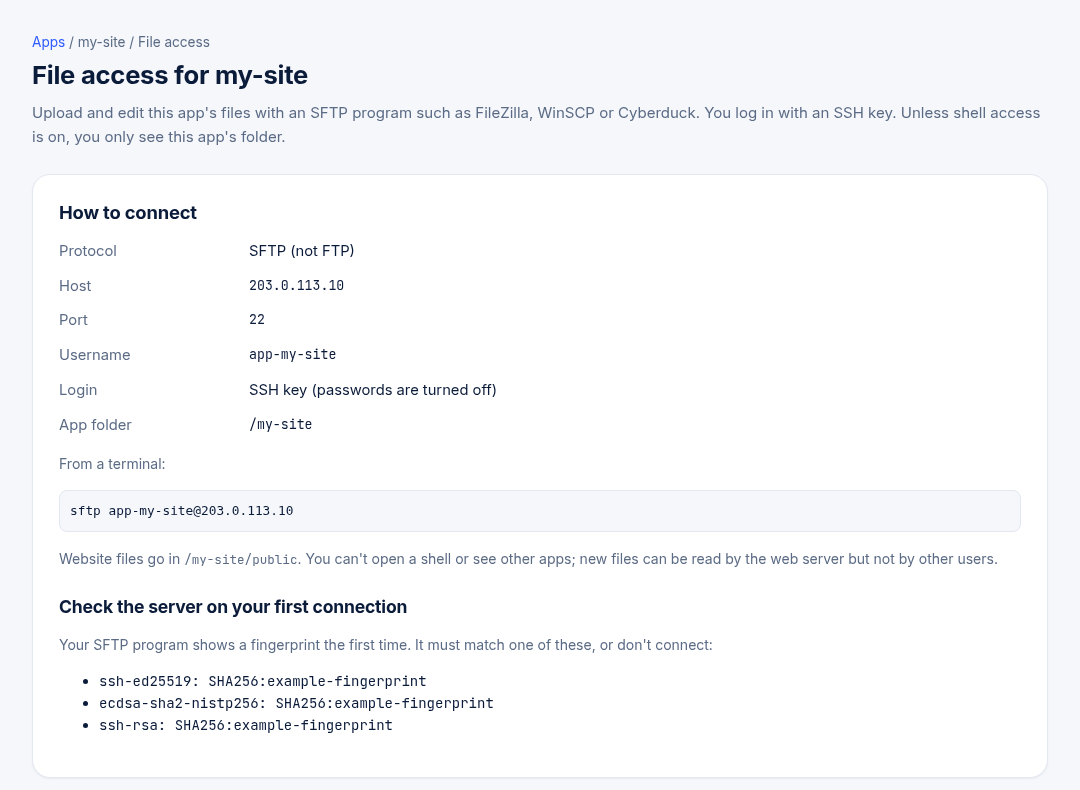
Put website files in the public folder. Plain SFTP logins stay inside the app's folder and can't open a shell.
If the app deploys from Git, change your code in the repository instead.