Change the PHP version
Move one app to another PHP version without touching the others.
ServerNest is in development. This guide describes the current preview, and details may change.
- Check that the version you want is installed: see the server's page, under PHP versions. You can install more there.
- Open Apps and choose the pencil next to the app's PHP version.
- Pick a version. ServerNest checks what the app needs, such as missing PHP extensions.
- Choose Switch.
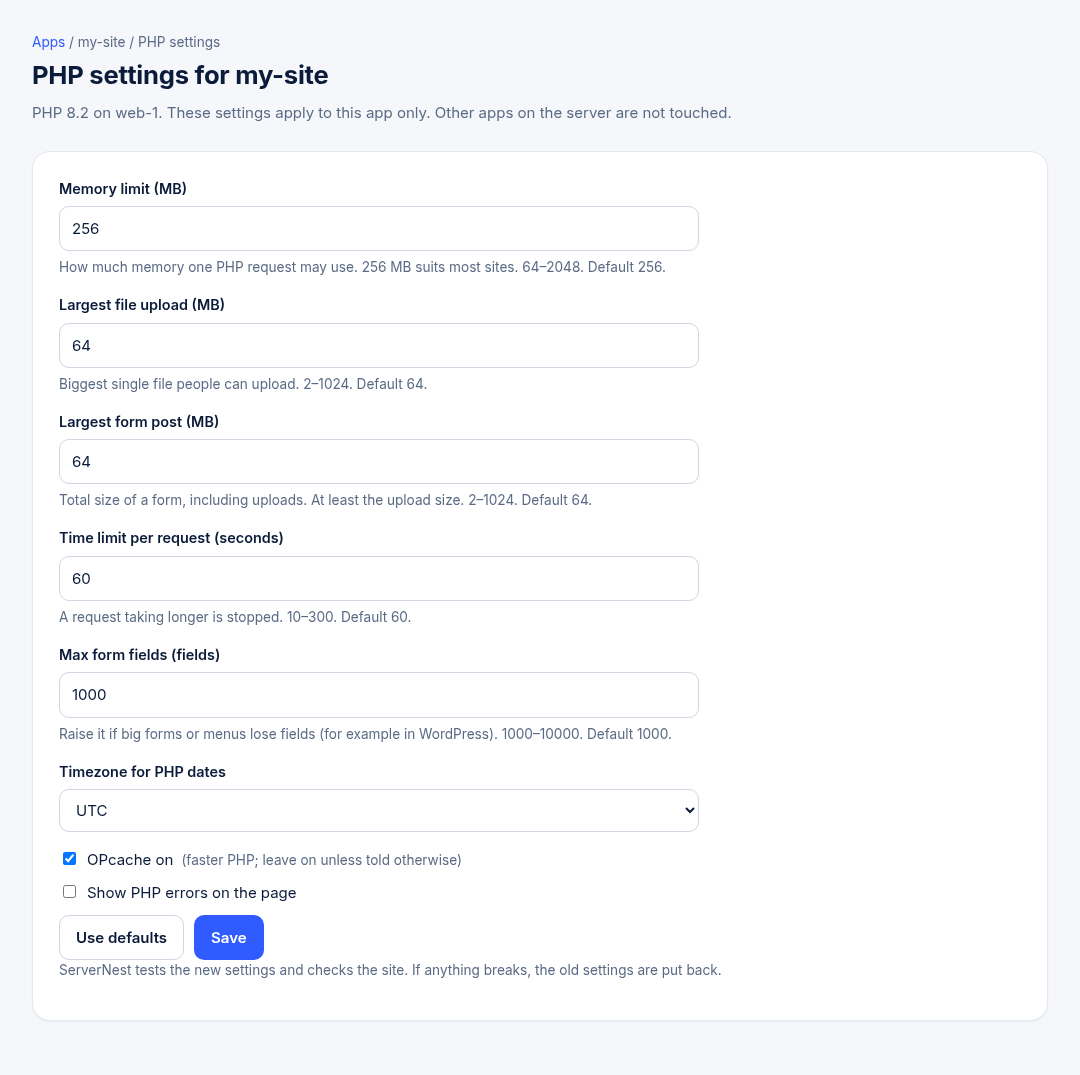
The site keeps running during the switch. ServerNest then checks the site and switches back if it stops working.
Versions marked No security fixes no longer get updates from PHP. Use them only for older sites you can't upgrade yet.