Back up and restore
Keep encrypted copies of your apps and databases in your own storage.
ServerNest is in development. This guide describes the current preview, and details may change.
Set up
- Add your storage under Settings. It can be AWS S3, Backblaze B2, Wasabi, Cloudflare R2 or any S3-compatible storage. Each server gets its own folder.
- Open the server's page and turn on backups.
- Save the encryption password in a password manager. It is shown only once, and backups can't be opened without it.
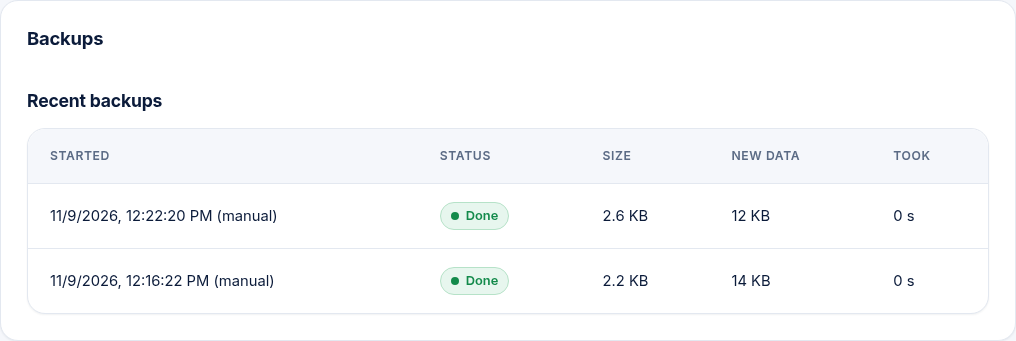
Backups run daily and cover all app folders and databases on that server. They are encrypted on the server before they are uploaded. Once a month, ServerNest tests the newest backup: it restores it to a private temporary folder, checks it and deletes it. Your sites are not touched. If a backup fails, you get an alert.
Restore
From the server's Backups section, pick a time and choose an app's files, its database, or both. This replaces what is there now, and the site may be affected for a short time. ServerNest keeps a safety copy of the app for 3 days and puts everything back if the restore fails.