Point your domain and turn on HTTPS
Send your domain to your server and get a free certificate.
ServerNest is in development. This guide describes the current preview, and details may change.
1. Point your domain
At the company that manages your domain, add an A record with your server's IP address. If your server has IPv6, add an AAAA record too. Do the same for www if you use it. Changes can take a while to spread.
2. Check the ports
Ports 80 and 443 must be open. Let's Encrypt, the free certificate service, checks your domain over port 80.
3. Turn on HTTPS
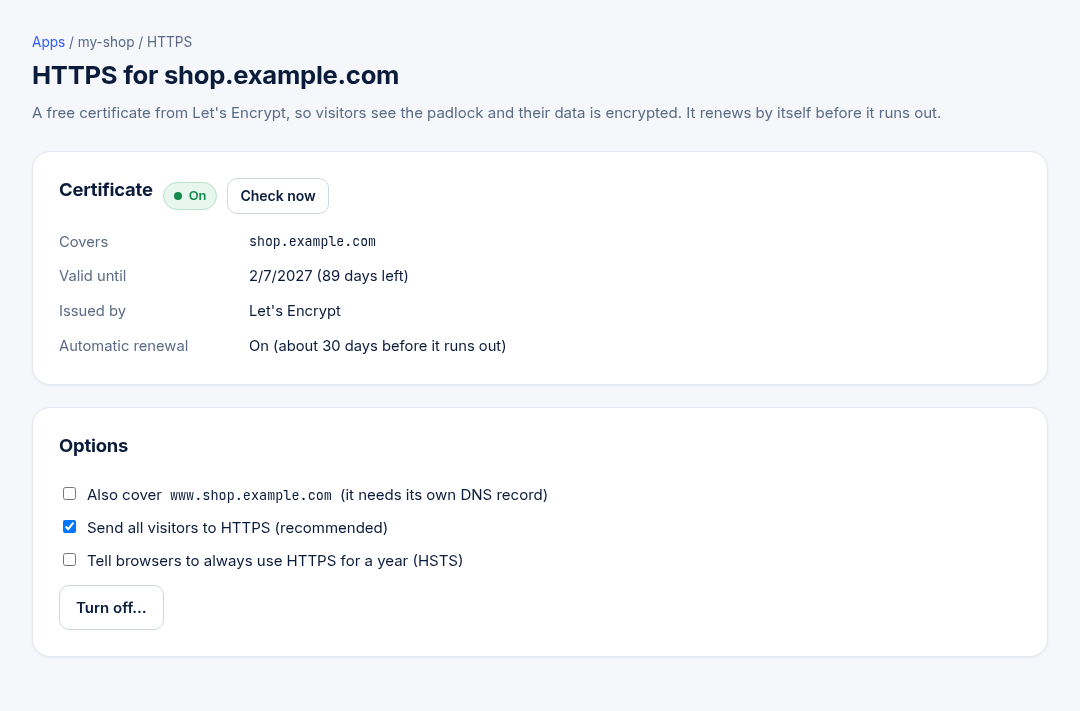
- Open Apps, then the HTTPS badge of your app.
- Choose whether to also cover
wwwand whether to send visitors from HTTP to HTTPS. - Save. Certificates renew by themselves.
If it fails, the most common cause is a domain that doesn't point to this server yet.